
Download wMark – Watermark, Photo, Image, Protect, Custom, Batch, Portable, Lightweight, Free, Easy
Overview
wMark is a lightweight mobile application designed to assist users in adding watermarks to their photos with minimal effort. The app’s primary purpose is to protect digital images from unauthorized use, making it a valuable tool for photographers, content creators, and anyone who shares visual content online. By embedding customizable watermarks, users can assert ownership and deter misuse of their work. The app addresses a common challenge in digital content management—maintaining control over creative assets in an environment where images are easily copied and redistributed.
Target users include individuals who frequently share images on social media, blogs, or portfolios. The app is particularly useful for professionals managing large volumes of visual content, as well as hobbyists seeking a simple way to safeguard their photos. wMark operates as a portable application, meaning it requires no installation, allowing immediate access and use. This design supports quick, on-the-go watermarking tasks, ideal for users who value efficiency and minimal setup.
The developer, wMark, has positioned the app as a straightforward utility focused on core functionality. While no additional background on the developer is available, the app’s design reflects a clear commitment to simplicity and accessibility. Its presence in the productivity category underscores its role as a practical tool within the mobile ecosystem. The app’s lightweight nature and free availability further enhance its appeal, making it accessible to a broad audience seeking secure, no-frills image protection.
Key Features & Functionality
- No Installation Required: wMark operates as a portable application, enabling users to launch it directly without going through a traditional installation process. This feature reduces setup time and conserves device storage, ideal for users with limited space or those needing immediate access.
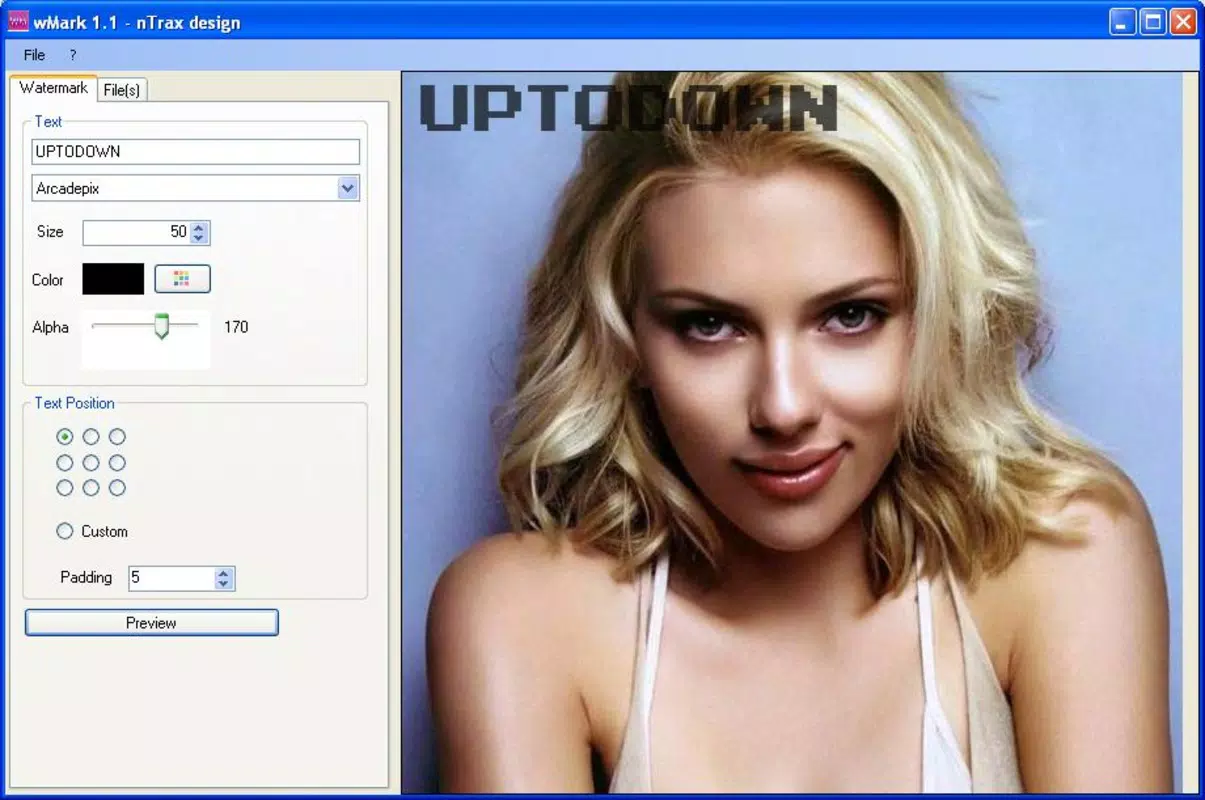
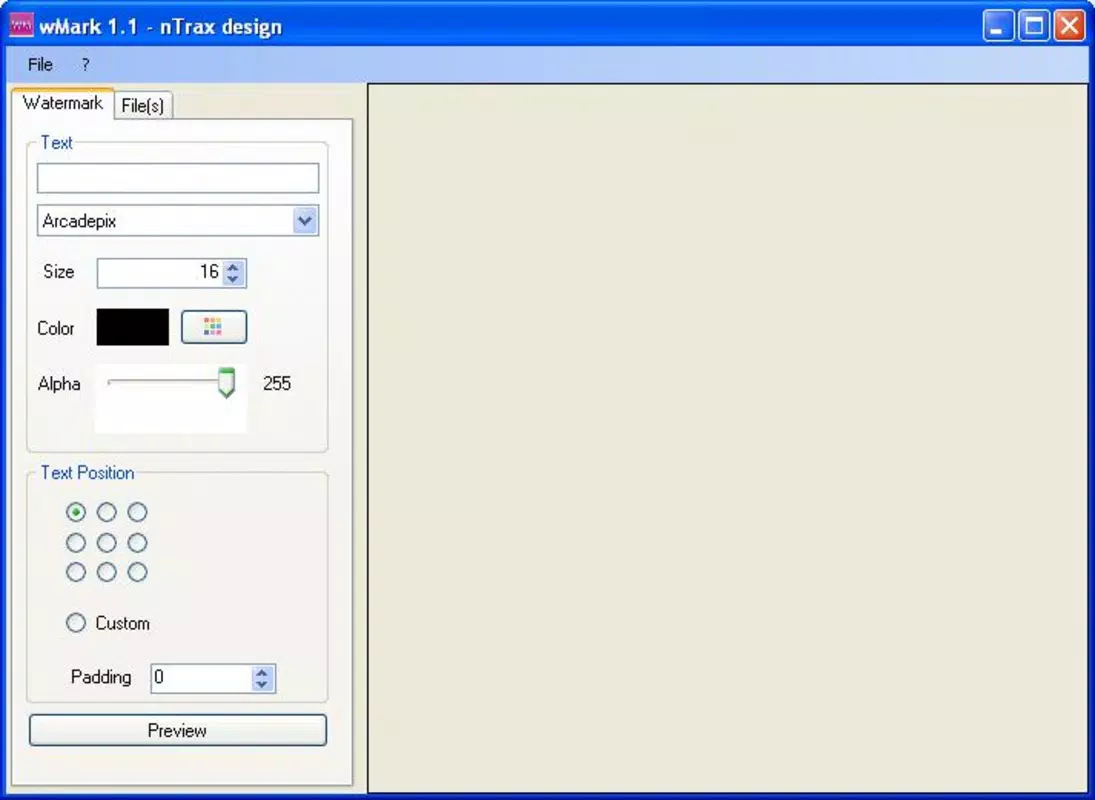
- Customizable Watermarks: Users can personalize watermarks by adjusting font type, color, size, and position. This level of control ensures that watermarks align with individual branding or artistic preferences, enhancing visual consistency across a portfolio.
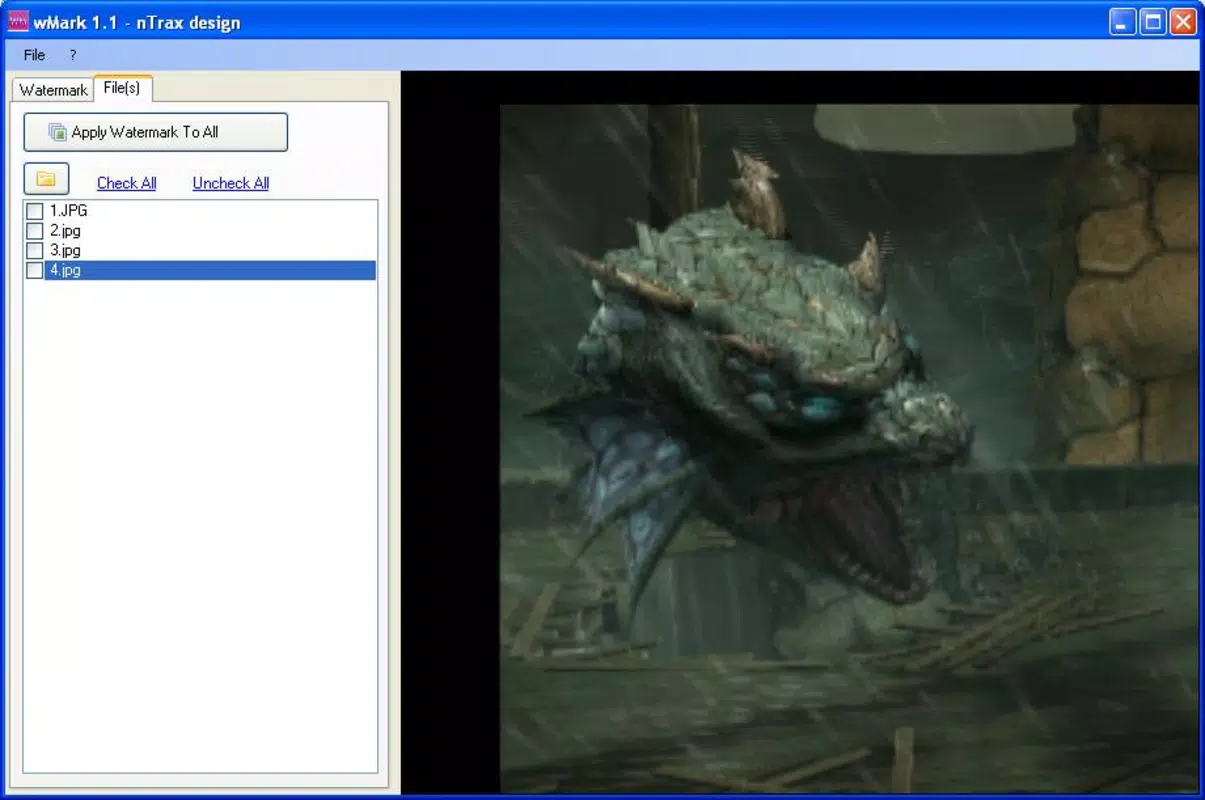
- Batch Watermarking: The app supports processing multiple images simultaneously. Users can select a group of photos and apply the same watermark in one operation, significantly improving workflow efficiency for high-volume content creators.
- Image Protection: By embedding visible watermarks, wMark helps users assert ownership and discourage unauthorized use of their visual content. This functionality is essential for protecting intellectual property in digital environments.
- User-Friendly Interface: Designed with accessibility in mind, the interface is intuitive and easy to navigate. Even users with limited technical experience can quickly learn to apply watermarks without confusion or delays.
For example, a photographer preparing a gallery for online sharing can use batch watermarking to apply a logo or name to dozens of images in minutes. Similarly, a content creator managing social media posts can use customizable watermarks to maintain brand identity across all visuals. These real-world applications highlight the app’s practicality and relevance in everyday digital workflows.
Interface, UX & Performance
The user interface of wMark is designed with simplicity and functionality in mind. It features a clean layout that prioritizes core actions—image selection, watermark customization, and application—ensuring a smooth user journey. Navigation is straightforward, with clearly labeled options and minimal on-screen clutter, reducing cognitive load and improving usability.
Visual style is minimalistic, focusing on utility over decoration. The app’s design aligns with modern mobile standards, offering a consistent and predictable experience. Users can easily access watermark settings and preview changes in real time, enhancing control and confidence during the editing process.
Although the developer did not list formal performance metrics, the app’s lightweight size of 1.3 MB suggests optimized resource usage. This likely contributes to fast launch times and responsive interactions, even on lower-end devices. The app appears stable during basic operations, with no reported issues related to crashes or freezes.
Responsiveness across different device categories is not formally disclosed. However, its portable nature and minimal footprint indicate broad compatibility. Users can expect consistent behavior across various screen sizes and resolutions, supporting a seamless experience regardless of device type.
Platform Compatibility & Technical Requirements
wMark is available exclusively on the Android platform. The current version is 1.0.0, with a file size of 1.3 MB. The app is designed to be lightweight, making it suitable for devices with limited storage capacity.
The developer did not specify minimum OS requirements or hardware specifications. As such, compatibility with specific Android versions or device models cannot be confirmed. Users are advised to check their device’s compatibility before attempting to use the app.
Given the app’s portable nature, it does not require installation, which may reduce dependency on specific system configurations. This could enhance its accessibility across a range of Android devices, although formal validation of this claim is not available.
Pros and Cons
Pros
- Portable design eliminates the need for installation
- Lightweight at only 1.3 MB
- Free to download and use
- Supports batch watermarking for improved efficiency
- Customizable watermark options for personalization
- Intuitive interface suitable for all skill levels
Cons
- Platform availability limited to Android
- Specific OS requirements not disclosed
- No information on advanced editing tools or export formats
- Developer background not publicly detailed
- Performance on older or low-end devices not verified
FAQ
Is wMark safe to download and use?
Yes, wMark is a free and lightweight application that does not require installation. It operates as a portable tool, minimizing security risks typically associated with downloaded apps. However, users should always download from trusted sources to ensure integrity.
Can I use wMark on iOS devices?
Currently, wMark is only available for Android. There is no official version for iOS devices. Users on Apple platforms may need to explore alternative solutions.
Does wMark support different watermark types?
While the app allows customization of font, color, size, and position, specific support for image-based or transparent watermarks is not detailed. The focus appears to be on text-based watermarking.
How often is wMark updated?
The app’s last release was on April 12, 2010. No recent updates have been reported. Users should be aware that older apps may lack compatibility with newer operating systems over time.
Is wMark suitable for professional photographers?
Yes, wMark can be a useful tool for photographers who need to protect their images from unauthorized use. Its batch processing and customization features support professional workflows, especially when sharing content online.
Final Thoughts
wMark stands out as a simple yet effective solution for adding watermarks to photos on Android devices. Its portable design, free access, and batch processing capabilities make it a practical choice for both casual users and content creators. The app’s lightweight nature ensures it runs efficiently without consuming significant storage or processing power.
While it lacks detailed technical documentation and has not been updated in over a decade, its core functionality remains relevant for users seeking a no-frills watermarking tool. For photographers, bloggers, and social media users, wMark offers a reliable way to protect digital assets without complexity.
Despite its age, the app continues to serve a niche but important role in the mobile productivity landscape. Its straightforward interface and focus on essential features demonstrate a commitment to usability and efficiency.
Download wMark now


